WhatsApp Message Templates: Categories, Approval and Examples
Short answer: A WhatsApp message template is a pre-approved message you use to start a conversation or write to a customer outside the 24-hour service window. Each template must be marketing, utility or authentication. Meta reviews templates automatically, usually within 24 hours, and approval depends on choosing the right category, writing clear text and giving real example values.
Last updated: October 17, 2026. Written by the BossReply Team. BossReply is our product and is mentioned where relevant; Meta updates template rules and prices, so confirm details on the official pages listed at the end.
Key takeaways
Templates are the only message type you can send outside a customer service window, and they generally need approval first.
The category you pick decides both approval and price. Meta can change the category after approval, so write utility templates that are truly non-promotional.
Names use lowercase letters, numbers and underscores. Every variable needs an example value, and Meta does not translate your text.
Poor customer feedback lowers a template's quality rating and can get it paused, so send only to people who opted in.
What is a WhatsApp message template?
A template is a message with fixed text and optional variables that you submit to Meta for review. Meta's platform overview says templates are pre-built messages that generally require approval, and that they are the only message type you can send outside a customer service window. A customer service window opens for 24 hours whenever a customer messages you, and inside it you can reply freely without a template. Our 24-hour window explainer covers the timing in detail.
In a chatbot setup, templates are what let your bot or team start a conversation: appointment reminders, order updates, one-time codes and campaigns. Inside a customer-started conversation, the bot answers without templates.
What are the three template categories?
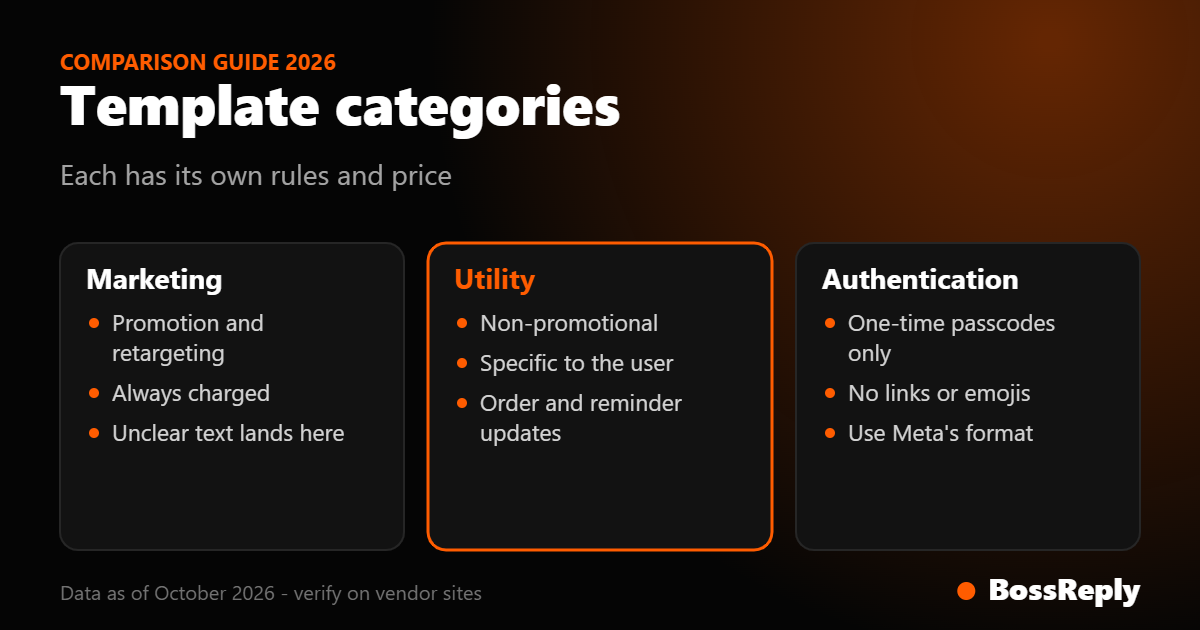
Every template is marketing, utility or authentication, and each has its own definition and its own price.
Category | Purpose | Examples | Charged by Meta? |
|---|---|---|---|
Marketing | Promotion, awareness, retargeting, relationship building | Sale announcement, abandoned cart nudge, renewal offer | Always |
Utility | Non-promotional, specific to the user or essential | Order confirmation, appointment reminder, delivery update, fraud alert | Outside an open service window; free inside it on Meta's page |
Authentication | One-time passcodes only | Login or verification code | Yes |
Marketing
Meta describes marketing as the most flexible category. It covers awareness, sales, retargeting and relationship building. Mixed content, such as an order update that includes a promotion, is treated as marketing. So is anything unclear, for example a message containing only a variable or a bare "Congratulations!".
Utility
Utility messages must be non-promotional and have no persuasive intent. They also must be specific to the user, such as their order, account or transaction, or essential to them, such as for safety. Meta lists opt-in confirmations, order management, account alerts, specific feedback surveys and continuing a conversation the user asked to move to WhatsApp as common types.
Authentication
Authentication is only for one-time passcodes. Meta says you must use its authentication template format with a one-time password button, and that URLs, media and emojis are not allowed, with parameters limited to 15 characters. You cannot send a passcode in a marketing or utility template.
Meta gives a quick test: a renewal reminder that offers a discount is marketing, while an order confirmation with no offer is utility. Our pricing article explains why the difference affects your bill.
How does template approval work?
Templates are reviewed automatically when you create or edit them. Meta's documentation says approved templates get the status APPROVED and only approved templates can be sent. Review can take up to 24 hours, and the template shows as in review until then. Your platform receives status updates, and most no-code tools show the status next to each template.
The steps are straightforward:
Choose the category and a language.
Write the body text, and optionally a header, footer and buttons.
Add example values for every variable.
Submit and wait for approval.
If rejected, read the reason, adjust and resubmit or request a review.
What are the naming, variable and limit rules?
Names: required, lowercase alphanumeric characters and underscores only, up to 512 characters. The same name can exist in different languages.
Languages: each template needs a language code, and Meta does not translate your text or example values. Every same-name template in another language counts toward your limit.
Variables: each parameter needs an example value. Named variables use lowercase letters and underscores wrapped in double curly brackets, such as {{first_name}}. Positional variables use numbers starting at 1.
Media headers: need an uploaded asset, and Meta reviews the example asset.
Creation limit: up to 100 templates per WhatsApp Business Account per hour.
Total limit: 250 templates for an unverified business portfolio, and up to 6,000 for a verified portfolio with an approved display name.
Archiving: templates inactive for 12 months or more are archived and deleted after 28 days unless unarchived.
Why do templates get rejected?
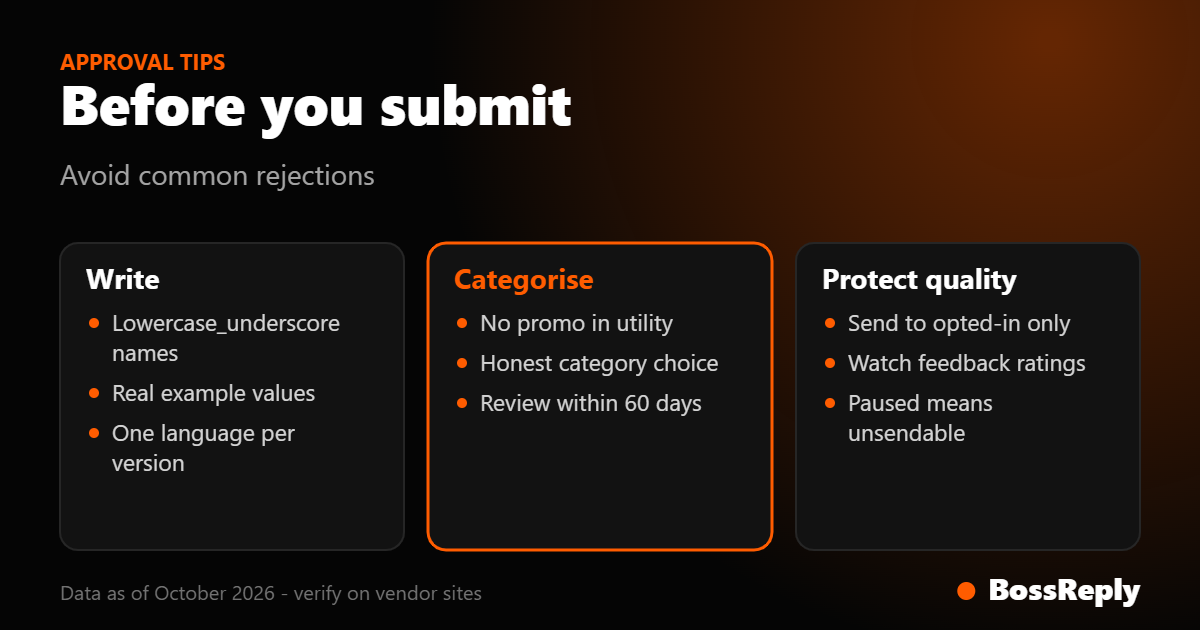
The most documented reason is the wrong category. Meta says a rejection with the reason INCORRECT_CATEGORY means WhatsApp disagreed with the category you chose. Other rejections come from policy violations, and Meta's template guidelines page does not list every reason, referring to a separate review page. We therefore list the patterns below as practical advice, not as Meta's official reason list.
Promotional text in a utility template. A discount line in an order update turns it into marketing.
Variable-only or unclear messages. A body that is only a placeholder is treated as marketing.
Placeholder examples that look fake. Use realistic values, such as a plausible name and date.
Wrong language or mixed languages. Meta does not translate, so write each language version properly.
Authentication content in the wrong category. One-time codes belong only in authentication templates.
What can you do after a rejection?
Meta says you can create a new template, edit the category and resubmit, or request a category review through WhatsApp Manager. Review requests must be made within 60 days, and they are available for templates rejected as utility or marketing, or approved as marketing. Templates facing rejection for authentication reasons cannot be appealed.
What happens when Meta changes the category?
If a utility template should be marketing, Meta changes its category to marketing automatically, normally with one day of advance notice, and the status stays approved. Since April 9, 2025, a utility template that WhatsApp deems marketing is approved as marketing at creation. Repeatedly submitting marketing as utility can lead to escalating enforcement, which Meta describes as warnings, rate limiting, utility restrictions for 7 to 30 days, and portfolio-wide restrictions for 30 days.
The practical lesson is to be honest in categorization. Disguising a promotion as a utility message saves a little per message and risks the whole utility template program for your account.
How do quality ratings affect your templates?
Meta rates templates on usage, customer feedback and engagement. Active templates show as quality pending, high, medium or low. Medium and low are still sendable but at risk of being paused or disabled. A paused template cannot be sent, caused by recurring negative feedback or low read rates, and a disabled template cannot be sent either.
To protect quality, send only to people who opted in, send at sensible times, keep the content what the person expects, and offer an easy way to stop. Meta's documentation says you must get user opt-in before sending templates, and the opt-in should make clear your business name and what you will send.
What do good templates look like?
These examples are illustrative and show the style, not guaranteed approvals. Adjust the wording to your business.
Utility: appointment reminder
"Hi {{first_name}}, this is a reminder of your appointment at {{business_name}} on {{date}} at {{time}}. Reply 1 to confirm or 2 to reschedule." It is specific to the user, non-promotional and gives a clear action.
Utility: order update
"Hello {{first_name}}, your order {{order_id}} has shipped and should arrive on {{date}}. You can track it here: {{tracking_link}}." Avoid adding a discount line.
Marketing: renewal offer
"Hi {{first_name}}, your plan renews on {{date}}. Renew this week and get {{offer}}. Reply STOP to opt out." Because it offers a discount, it belongs in marketing.
Authentication: code
Use Meta's authentication format with a copy-code or one-tap button. Do not add links or emojis. It carries the code and nothing else.
How do templates work with a chatbot?
In most platforms, the bot handles replies inside the service window, while templates start new conversations, such as reminders triggered by a booking. In BossReply, WhatsApp connects by QR login or the official Business API, and templates apply to the official API route. You can read how both routes differ on the WhatsApp chatbot page. We do not claim here any template-builder features beyond that, and you should check your plan.
Frequently asked questions
How long does template approval take?
Meta says review can take up to 24 hours. Many are approved sooner, but plan for a day.
Can I edit an approved template?
You can edit it, but Meta reviews edited templates again. Create a new version if you want to keep the old one sending.
Do I need a template to reply to a customer?
Not inside an open 24-hour service window. Outside it, you need an approved template.
Why did my utility template become marketing?
Meta found promotional or unclear content. You can request a review within 60 days if you believe the category is wrong.
Can templates include emojis and links?
Marketing and utility templates can, subject to Meta's content rules. Authentication templates cannot include links or emojis.
How many templates can I create?
Meta lists 250 for an unverified portfolio and up to 6,000 for a verified one with an approved display name. Check the current page.
Do templates cost money?
Meta charges per delivered template depending on category and country, as covered above. Platform fees are separate.
Sources and method
We read these pages in October 2026. Rules change, so confirm on the official page.
Meta for Developers, WhatsApp message template guidelines: categories, approval, review time, naming, variables, quality ratings, pausing and limits. Read October 2026.
Meta for Developers, template category guidelines: definitions, examples, category changes, review requests and enforcement. Read October 2026.
Meta for Developers, WhatsApp pricing: charging per category and the service window. Read October 2026.
Meta for Developers, WhatsApp Business Platform overview: templates as the only message type outside a window and the opt-in requirement. Read October 2026.
What we could not verify: Meta's full list of rejection reasons (the guidelines page refers to a separate page we did not read), and template features in individual vendor tools.
Conclusion
Good templates are honest about their category, short, specific, and sent only to people who agreed to hear from you. Write a small set for your main needs, test them with real example values, and watch quality ratings after launch. If you want to run templates and an AI agent from one inbox, you can try chat.bossreply.com and read about plans on the pricing page.